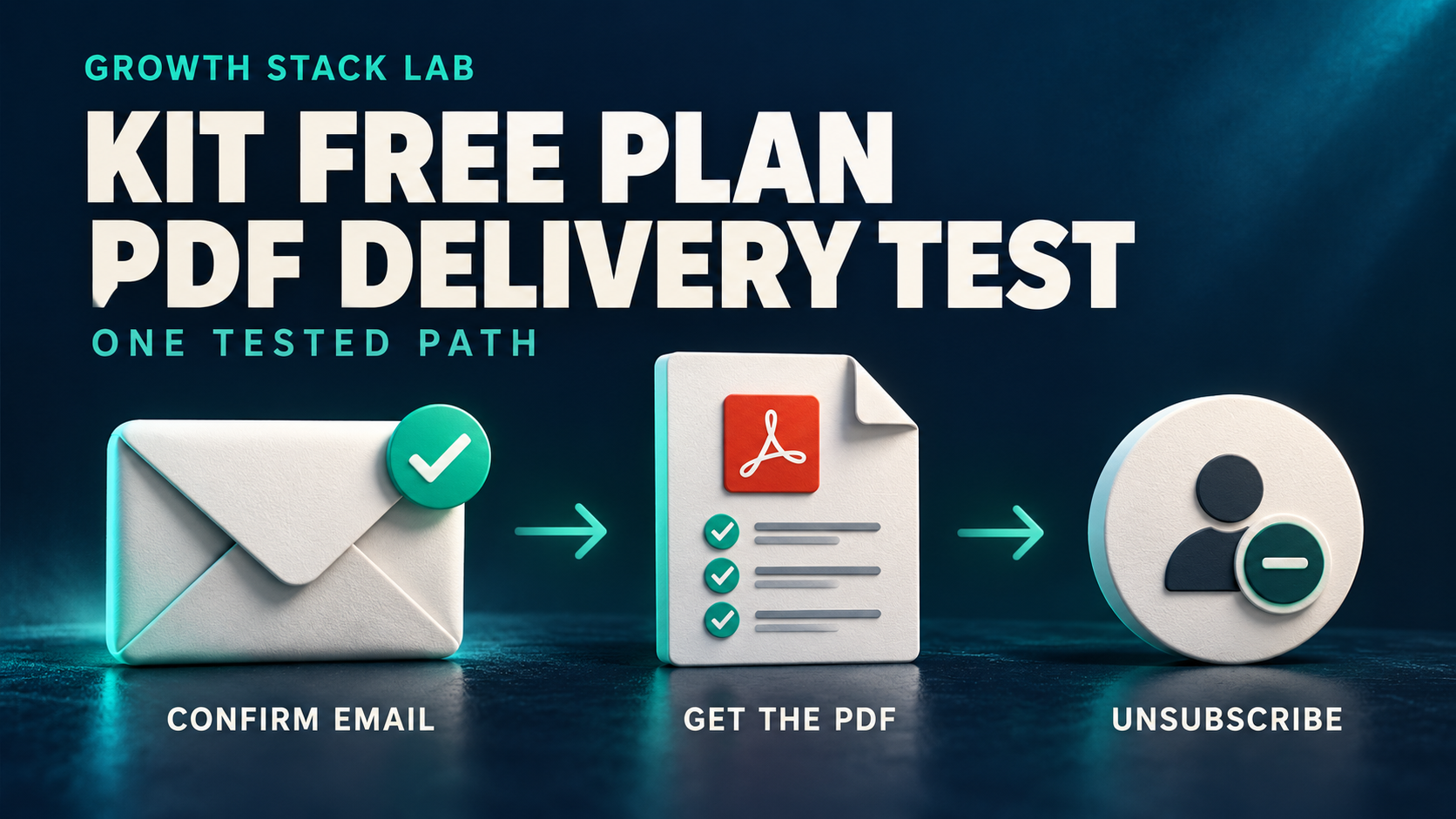
A Kit free plan lead magnet can reach a reader through the native confirmation email. In our October 7, 2026 (JST) test, our test recipient received that email, opened the promised PDF after clicking the confirmation button, and completed unsubscribe. We used an account showing Free at $0 per month and did not build an email sequence.
This walkthrough explains the settings, the evidence and the remaining limits. It is a controlled test of one signup path. It does not measure audience growth, revenue or delivery performance across different inbox providers.
Table of Contents
Can a Kit free plan lead magnet deliver a PDF
Yes, for the confirmation-email route we tested. Kit’s current Free-plan guide lists up to 10,000 subscribers, unlimited forms and landing pages, and unlimited broadcasts. Email sequences and visual automations require a paid plan. The account’s billing screen showed $0 per month and zero of 10,000 subscribers before this test.
The distinction matters when planning your first download. Kit’s confirmation email can confirm the signup and open a file without a separate sequence. A scheduled series of welcome emails is a different requirement. Older articles about the Newsletter plan may describe different automation allowances; check the current plan documentation and your billing screen before building around them.
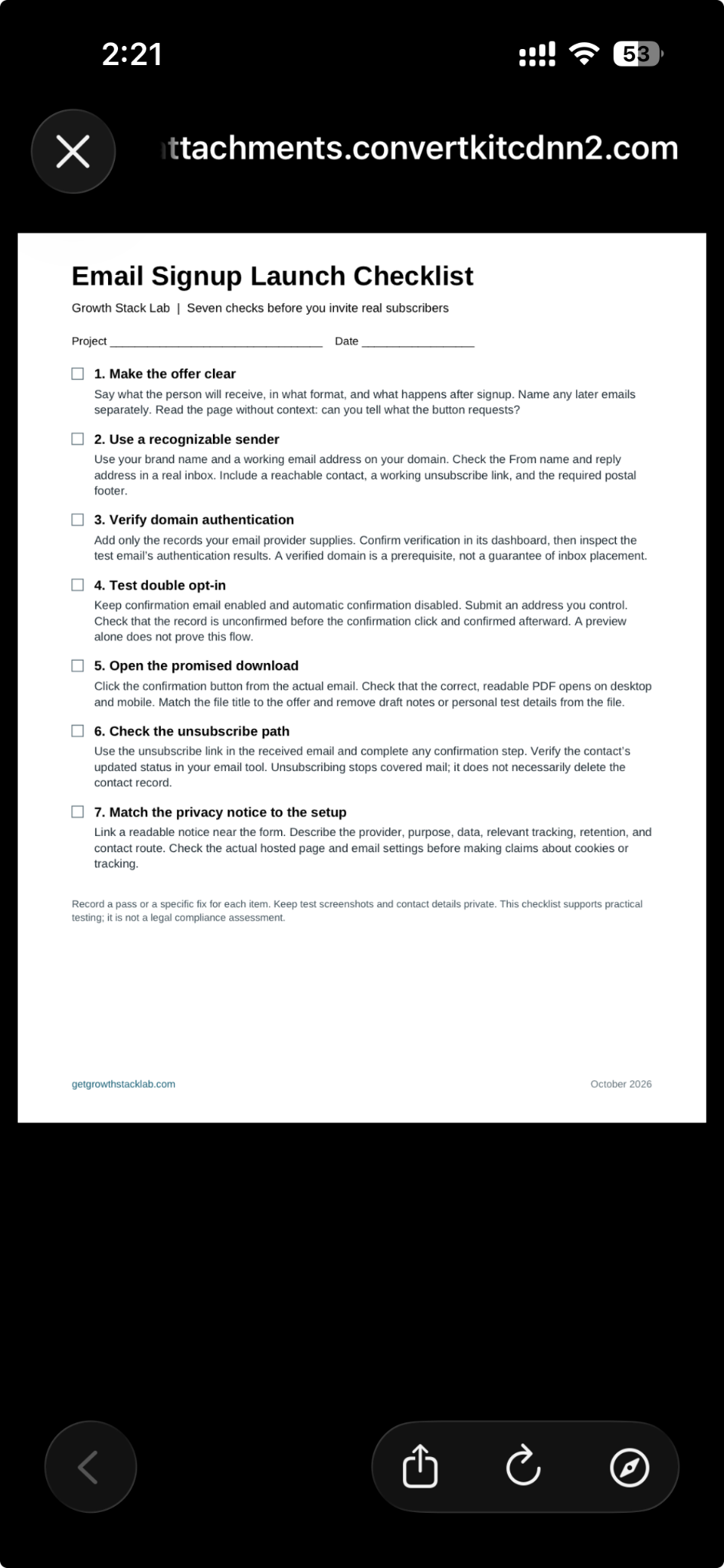
Our Kit free plan lead magnet was the one-page Email Signup Launch Checklist, containing seven checks for a clear signup experience. There was no checkout, course enrollment, welcome campaign or paid offer in this test.
Prepare the sender and protect existing mail settings
We used Growth Stack Lab with hello@getgrowthstacklab.com as the confirmed default sender. The account login and public sending address serve different purposes. Review the From address in the confirmation-email editor rather than assuming the address used to create your account is suitable for subscribers.
Kit accepted our sending domain after three account-provided CNAME records were added. Existing SPF records and mail-forwarding settings were left unchanged. These are observations from this domain, not a DNS recipe for another account. Use the values generated by Kit for your domain and follow its verified-sending-domain instructions.
We selected Kit’s shared postal-address option rather than publishing a home address. Kit limits that option to email marketing through its service; it does not receive or forward mail for you. Check the current conditions before using it.
Connect the form to the correct PDF
The landing page asked only for an email address. Its invitation explained that the signup requested a test confirmation email and checklist, without enrolling the participant in a newsletter or course. The button read “Send my test email.” A visible privacy-policy link explained Kit’s role and the associated records.
In the landing-page settings, we enabled the confirmation email and left automatic confirmation off. That kept double opt-in on: entering an address alone was not the confirmation step. We chose Download for the action after confirmation and uploaded the checklist PDF. The email button read “Confirm and get the checklist.” Kit documents these controls in its confirmation-email guide.
For your own Kit free plan lead magnet, reopen the settings after saving and check the selected file. Then test from the live form. A preview can help you inspect wording, but it cannot establish that a real signup sends the email or that its confirmation button opens the right document.
Recommendations were switched off for this test page and for new pages by default. The account’s Creator Network membership remained enabled; we did not treat the page-level setting as proof that the whole account had left the network.
What happened in the live signup test
We submitted one email address we control once during the October 7 JST test. The contact appeared as Unconfirmed before the recipient clicked. The recipient then reported receiving the email, clicking its button and opening the checklist. A supplied screenshot matched the intended seven-check PDF.
| Check | Observed result |
|---|---|
| Before confirmation | Kit showed Unconfirmed after the form submission. |
| Email activity | Kit recorded Delivered at 02:17, Opened at 02:20 and Clicked at 02:21 JST. |
| PDF access | The recipient opened the matching checklist and supplied a screenshot. |
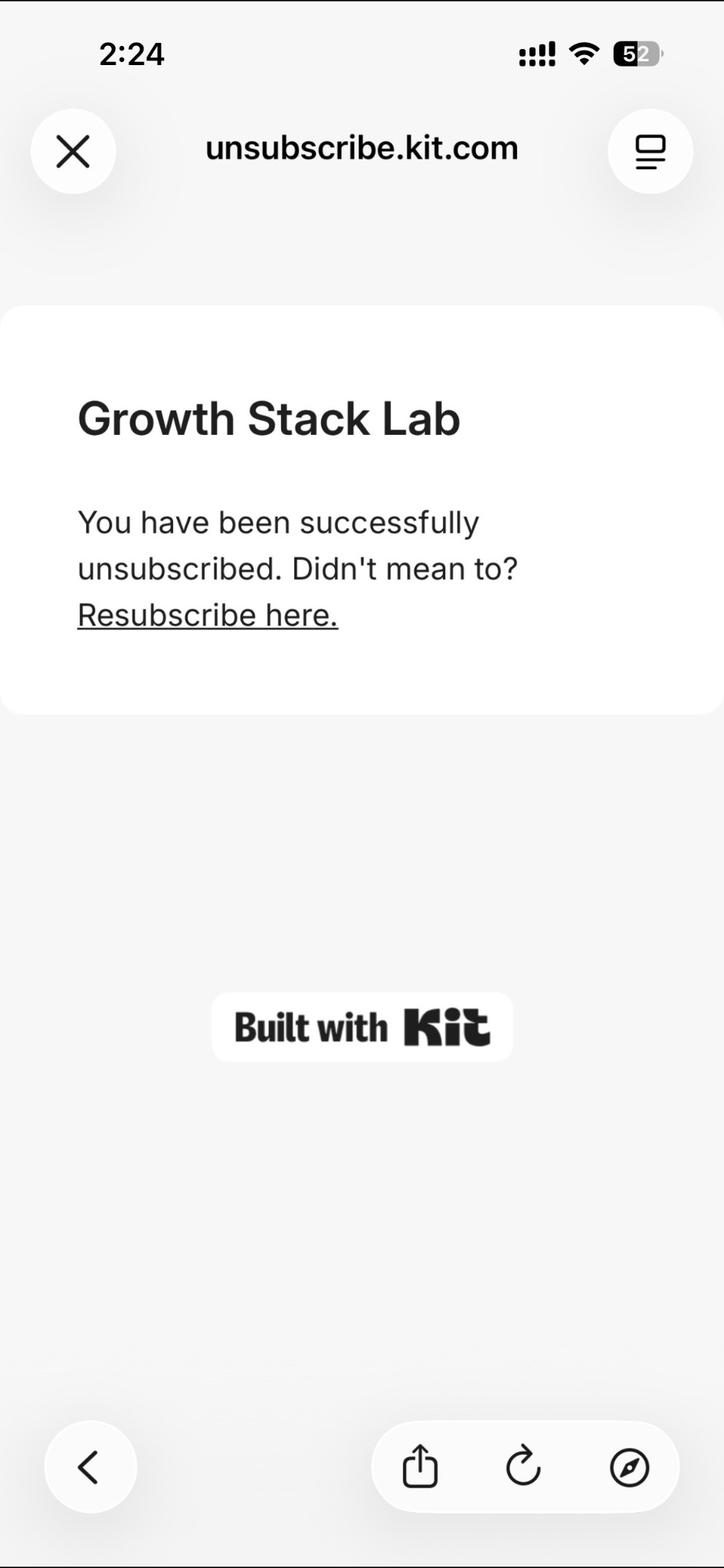
| Unsubscribe screen | The recipient completed Unsubscribe from all and reached the success screen. |
| Final contact status | Kit recorded unsubscribe at 02:24 JST and showed Unsubscribed when checked afterward. |
The event times above are Kit’s recorded activity times, converted from UTC to JST. They do not establish exact delivery latency. The recipient evidence supports the email and file-access result independently of the activity labels.
We did not capture the intermediate Confirmed label because the recipient continued to unsubscribe before that check. The observed contact states were Unconfirmed before the click and Unsubscribed afterward. No administrator unsubscribe or repeat signup was used to produce the final result.
Expected behavior and actual findings
Expected: the test invitation stays focused on one requested checklist. Actual: Recommendations were initially on for the new page, and two unused template blocks remained after an empty-text edit. Fix: we disabled recommendations for the page and the new-page default, deleted the unused blocks with the editor’s block controls, then reopened and checked the saved page before publication.
The default subscription wording was also replaced with test-specific copy before publication. After the actual signup, the page correctly instructed the recipient to check email and use the confirmation button to open the PDF. That on-page receipt showed the form had been submitted; we checked the contact separately to establish its pre-click status.
Expected: the confirmation button opens the promised file. Actual: the recipient reached the correct PDF, supported by their screenshot and Kit’s click activity. Fix: none was needed for this observed step. Keep the file choice and button wording aligned when replacing a lead magnet.
Expected: unsubscribe produces a visible success message and a matching account status. Actual: both were observed. Fix: none was needed. The recipient did not use the resubscribe option. An Unsubscribed record remaining in the account is consistent with Kit’s documented status behavior; unsubscribe does not itself delete that record.
Keep the test promise and data use aligned
Our published privacy notice was updated on October 7 before submission to cover Kit, the requested email and checklist, and signup, confirmation, delivery and unsubscribe records. It also explains that technical and interaction data may be processed. No optional analytics identifiers were configured for the test page; that does not prove the absence of cookies or other service tracking.
The page used noindex, but anyone with its public link could still open it. Invitation-only wording and a search-indexing preference are not access controls. We therefore kept the test purpose explicit and excluded the participant’s address and identifying screenshots from this article.
GSL’s policy calls for reviewing the test records and normally removing them within 30 days after completion, subject to the notice’s exceptions and provider limitations. This is an operational review and deletion target, not an automatic deletion feature. Unsubscribing did not complete that separate retention review.
Use a small acceptance test before launch
Before launching a Kit free plan lead magnet, prepare a short record of what each step should do. Use an address you control, and inspect the live page before submitting. Confirm the promised resource, sender, privacy link, confirmation settings, file selection and unsubscribe footer.
After submission, record the pre-click contact status. Check the actual received email, use its confirmation button and open the file. Capture the confirmed state before moving on if that state is part of your acceptance criteria. Finish unsubscribe on the recipient side, then reconcile the account record.
If no email arrives, inspect the contact’s email history, confirmation settings and any account-approval warning before repeating the signup. Kit normally sends only one confirmation email to the same subscriber within 12 hours. Its troubleshooting guide also covers the required unsubscribe link and postal address. Our test delivered the email, but we did not capture a separate account-approval status.
What this result means for your tool choice
Kit Free was sufficient for this one confirmation-email PDF delivery and unsubscribe path. We did not inspect the received message’s authentication headers, run a spam-placement study or send to a real audience. The result supports trying this small workflow before paying for features you have not yet established you need.
Our Systeme.io lead-magnet test used a different delivery setup, while the MailerLite signup test stopped at confirmation. These exercises should not be treated as equal performance benchmarks. If your decision involves a newsletter, welcome sequence or course business, use the broader Systeme.io vs Kit comparison alongside the specific workflow evidence.
For a first Kit free plan lead magnet, start with the native confirmation email, one useful file and a complete recipient-side test. Add more steps only when your intended subscriber journey calls for them.
Test and official-source check date: October 7, 2026 JST. Product settings and plan terms can change.