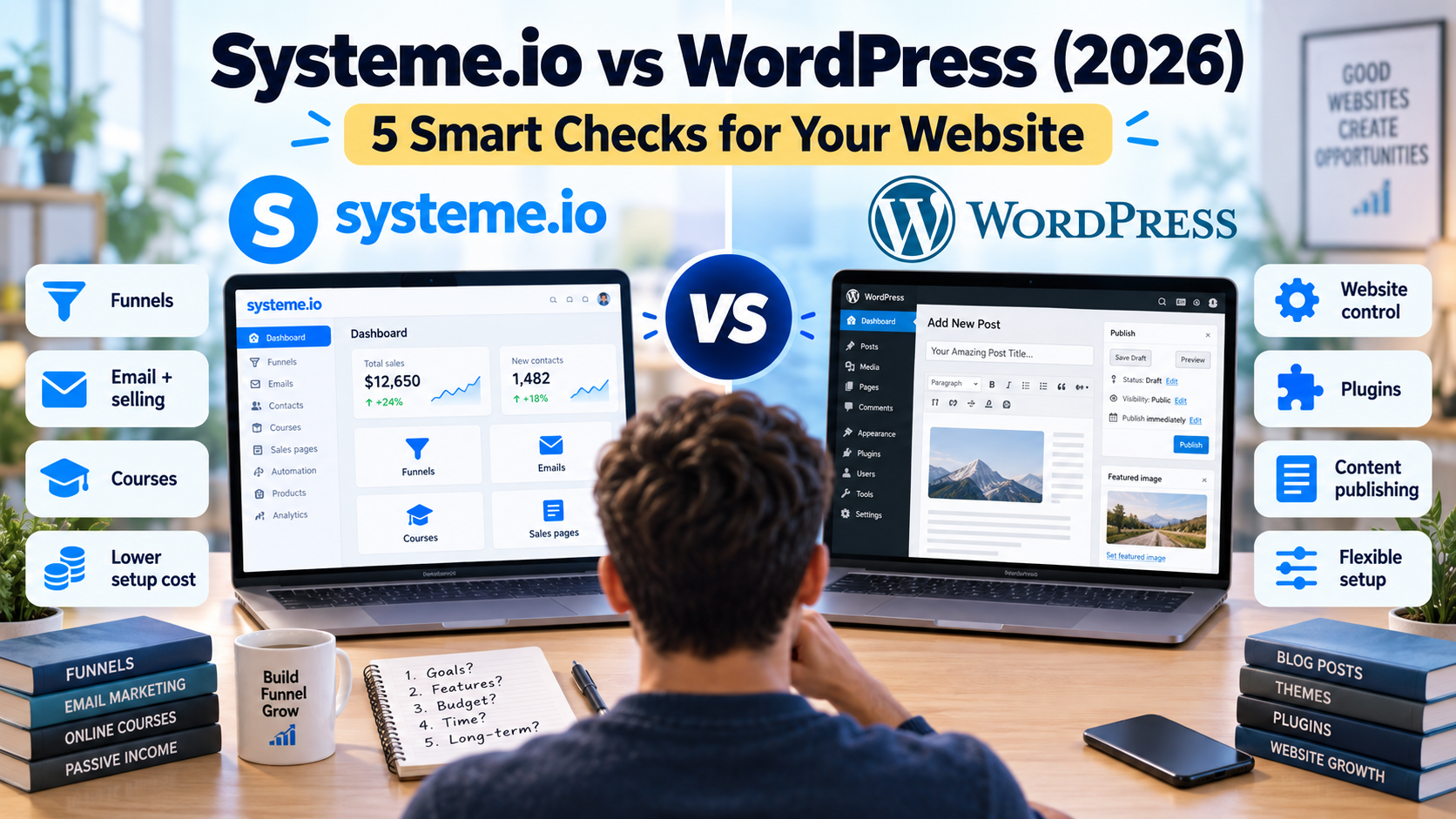
Keep WordPress if publishing and maintaining an article library is the main job. Evaluate Systeme.io if you need a focused signup, email and offer-delivery workflow. If your WordPress site already works, test that workflow alongside it before deciding whether to replace anything.
This Systeme.io vs WordPress comparison focuses on self-hosted WordPress from WordPress.org. Start with the choice below, then check publishing, costs, maintenance and the handoff between tools.
| Your choice | When to consider it | Check before committing |
|---|---|---|
| Keep WordPress | Your site depends on an article library, categories, navigation or specific plugins. | List the publishing features you use and who handles updates, backups and recovery. |
| Replace a small site with Systeme.io | The site mainly supports one offer, signup form and follow-up, and its required pages can be reproduced. | Build a representative page and test signup, email and delivery before moving content or changing URLs. Check checkout and learner access separately if you sell a course. |
| Use both | Your WordPress site works, but you want a separate funnel for an offer. | Link one relevant article to the funnel and verify the next promised step. Read the combined-setup checks before expanding it. |
Affiliate disclosure: Growth Stack Lab may earn a commission if you sign up or buy through a marked affiliate link, at no additional cost to you. Recommendations depend on the fit for your business.
Table of Contents
1. Systeme.io vs WordPress: define which WordPress you mean
WordPress can refer to two different services: WordPress.com and self-hosted WordPress from WordPress.org. WordPress.com is a hosted service that includes hosting, security and maintenance, while WordPress.org is open-source software that you install on your own hosting. As of 2026, plugin installation is available on all paid WordPress.com plans, so older comparisons that treat plugins as limited to higher-tier plans are outdated. This article focuses primarily on self-hosted WordPress from WordPress.org.
The WordPress.org feature overview describes publishing tools, themes, plugins and control over the software. That flexibility lets you choose how the site is assembled. It also means the final result depends on your hosting, extensions and maintenance choices.
Growth Stack Lab runs on WordPress. We use its editor to maintain articles, categories, internal links and search metadata. That is direct experience with this publishing workflow, not a benchmark proving WordPress produces better rankings or faster pages than every alternative.
Write down the pages you expect to maintain over the next year. A growing library of tutorials, reviews and comparisons creates different requirements from a single offer with a signup page and checkout.
Affiliate link. Opens in a new tab.
2. Separate publishing from the selling journey
In a Systeme.io vs WordPress comparison, the biggest difference is often whether publishing and selling live in one system or are assembled from separate tools.
Systeme.io’s feature list includes blogs as well as funnels, email and courses. It would therefore be inaccurate to say it cannot publish articles. The useful question is whether its publishing controls fit your planned content structure.
Do not assume a long feature list proves that any one of these jobs is easy. Build the smallest representative example. For a blog, publish a sample article with a table, image and related links. For a funnel, test a visitor’s full path from signup to the next promised step.
Our Systeme.io funnel-builder review documents the work behind our assessment of its editor. It complements the WordPress publishing experience described here; we have not run an identical full website build on both platforms.
3. Compare the complete cost of the setup
The real cost of Systeme.io vs WordPress is not just the platform fee; it also includes hosting, plugins, payment tools, maintenance and the time required to keep everything working.
Self-hosted WordPress does not have one universal monthly price. Your budget depends on hosting, domain renewals, optional paid extensions and any maintenance help. A free plugin may cover a task; a paid one may be unnecessary unless you need its specific capabilities.
Create an annual cost sheet. Give each item an initial price, renewal price and cancellation date. Include only tools you actually need, and avoid counting an expense twice when a hosting package already includes it.
| Cost category | Question to answer |
|---|---|
| Hosting and domain | What will the renewal cost after introductory offers? |
| Design and extensions | Which paid components are essential for this project? |
| Email and delivery | What service handles subscriber messages and the product? |
| Payments | Which processing charges apply to your chosen provider? |
| Maintenance | What work will you do yourself, and what might require help? |
For Systeme.io, begin with the plan-selection guide, then verify the live vendor plan that covers your required capacity. Do not credit it with replacing tools you still intend to keep. The comparison should describe your actual architecture rather than an imaginary expensive stack.
4. Decide who will maintain each part
A Systeme.io vs WordPress comparison should also account for who will maintain the website, plugins, integrations and selling workflow over time.
For any self-hosted site, clarify responsibility for updates, backups and recovery with your host or maintainer. Knowing that a backup exists is less useful than knowing how to restore the site and who will help if it fails.
For a hosted platform, your operational questions change. Ask what you can export, how to recover account access, and what happens if you downgrade or stop paying. Keep original copy and media in a place you control so that rebuilding remains possible.
Think about your own available time. Someone comfortable maintaining a small set of plugins may value flexibility. Someone who repeatedly postpones basic site maintenance may prefer a more managed setup. Neither preference means that one platform is universally simpler for every project.
5. Consider keeping WordPress and adding a funnel
The Systeme.io vs WordPress decision does not always require replacing one platform with the other.
A proposed hybrid setup is straightforward: publish articles on WordPress, link relevant readers to a focused offer page, then handle the signup or purchase in the system designed for that offer. This lets you test a new sales process without moving the existing article library.
For a practical example of the funnel component, see our Systeme.io lead-magnet walkthrough. It documents an opt-in page, a thank-you page, and an automated email linking to a PDF hosted on the Growth Stack Lab website.
Keep the handoff clear. Match the brand name, explain what the reader will receive, and make the destination consistent with the button text. If you use a custom subdomain for an external platform, configure only the intended records and verify the result before directing readers there.
Plan measurement at the handoff. An outbound button click records interest in the next step; it is not proof of a completed signup or purchase. Use the destination system’s confirmed outcomes where available, and document when attribution cannot connect the two sides reliably.
This is an architecture recommendation, not a claim that Growth Stack Lab has completed and measured that entire hybrid customer journey. Our current site and linked setup articles establish the parts we have worked with.
Frequently asked questions
Will WordPress automatically rank better?
No platform choice guarantees search visibility. The content, site structure and implementation still need to serve the query. This comparison contains no controlled ranking study and no promise of traffic gains.
Should I move my existing articles to Systeme.io?
First identify a concrete problem the move would solve. Inventory existing URLs and inbound links, then evaluate redirects and content-transfer effort. Avoid treating a site migration as a prerequisite for testing a new offer.
Can I use Systeme.io without replacing WordPress?
You can send readers from a WordPress page to a separately hosted offer using a normal link. More integrated setups require checks for forms, consent, domains and measurement. Start with the simplest arrangement that meets your goal.
Is Systeme.io easier than WordPress for selling online?
Systeme.io can be easier when you want funnels, email marketing, courses and payments in one platform. WordPress offers greater flexibility, but the final setup may depend on hosting, plugins and third-party services. The better fit depends on how much control and maintenance you want.
Our verdict
For Growth Stack Lab’s article publishing, WordPress remains the foundation. If your site already does its job, start with one separate funnel test. Before replacing a site, check its publishing requirements, renewal costs and migration work. Use the Systeme.io overview for solopreneurs to choose the next setup guide or comparison for your workflow.
Affiliate link. Opens in a new tab.
Review note: Official sources checked September 24, 2026. WordPress observations refer to our own site workflow. Cost and architecture worksheets are editorial tools, not measured savings or performance results.