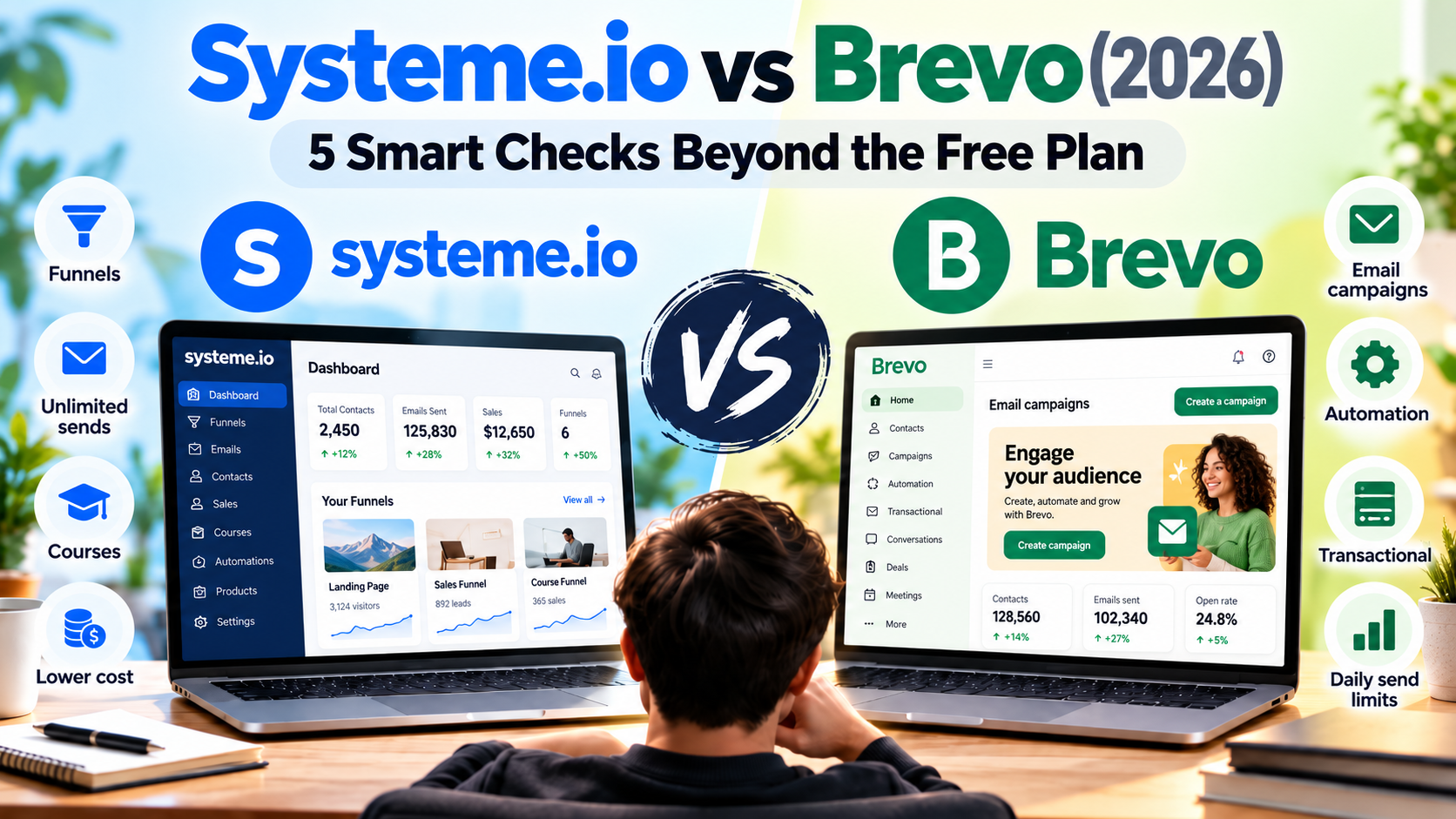
Systeme.io vs Brevo is easiest to evaluate when you separate the number of people in your database from the number of messages you need to send. A small business with occasional announcements has a different workload from one sending a launch email to its whole list on the same morning.
Our recommendation: evaluate Brevo when you need messaging around an existing website, store or application. Evaluate Systeme.io when the next project is a selling funnel with email follow-up. Before choosing a free plan, calculate your busiest sending day.
Affiliate disclosure: Growth Stack Lab may earn a commission if you sign up or buy through a marked affiliate link, at no additional cost to you. Recommendations depend on the fit for your business.
Table of Contents
1. Systeme.io vs Brevo: compare the work you need done
Brevo’s official plan guide covers marketing and transactional messaging, with additional channels and features depending on the plan. That makes it relevant when a business wants to communicate with customers around systems it already operates. It is not accurate to describe Brevo as only a newsletter sender.
Systeme.io is worth evaluating when you need to build the sales journey itself. Our funnel-builder review covers our documented setup work. Start there if you are deciding how to connect an opt-in page with the next step in an offer.
Draw a boundary around the job you want the new tool to do. If your checkout already works, replacing it may introduce unnecessary work. If you have no checkout or course delivery yet, an email-focused comparison leaves part of the project unanswered.
Affiliate link. Opens in a new tab.
2. Calculate peak-day sends, not just monthly totals
In a Systeme.io vs Brevo comparison, daily sending limits matter more than monthly averages when your campaigns create short spikes in volume.
Brevo’s Free plan currently includes a 300-email daily sending limit. storage for up to 100,000 contacts and automation for up to 2,000 contacts. Unused daily sends do not roll over. Stored contacts, automation contacts and sends are different limits.
Consider a hypothetical list of 600 subscribers. One message to everyone requires 600 sends. The fact that you send only once that week does not make it fit a 300-send day. Splitting a time-sensitive announcement across days also changes the reader experience.
The examples below are illustrative workloads, not estimates of your actual sending volume.
| Illustrative workload | Arithmetic | Question it raises |
|---|---|---|
| One launch message to 600 people | 600 sends on the launch day | Can everyone receive it within the required window? |
| Four issues to 200 people | 800 sends across four issues | Do daily automation messages create a peak? |
| 50 new subscribers receiving three welcome emails | 150 sends across the sequence | On which days do the messages occur? |
| Order or account notifications | Add the actual expected notifications | Does the selected service share this allowance? |
These examples are planning arithmetic, not our audience statistics or promised capacity. Keep a day-by-day estimate as well as the monthly total. A quiet month can still contain one day that exceeds a plan’s allowance.
Systeme.io advertises unlimited email sends on its plans. That does not remove contact limits, account policies or deliverability requirements. Our free-plan limitations guide helps identify constraints beyond sends.
3. Recheck contacts when moving to a paid Brevo plan
The paid-plan side of Systeme.io vs Brevo becomes more important once your contact volume, sending frequency or automation needs outgrow the free tier.
Do not assume a paid plan keeps every limit from the free plan unchanged. A large free storage allowance can create the wrong impression about what an entry paid tier includes.
The current Brevo guide lists Starter from $9 per month and Standard from $18 per month. Its 5,000-send paid tier lists storage for up to 500 contacts; other send tiers have different storage limits. Obtain a quote for both your contacts and your sending volume.
Use one worksheet for every shortlisted tool: stored contacts, marketable subscribers, monthly sends, busiest day, automation audience and required add-ons. Record the billing period and currency beside each quote. This keeps a starting price from being mistaken for the price of your actual workload.
4. Separate marketing messages from operational email
A newsletter, a welcome email and a password-reset message solve different problems. In a migration, decide which system owns each message. An application’s operational email should not accidentally depend on a marketing campaign someone might pause during a launch.
If you need a transactional integration, list the events that should send messages: account creation, password reset, payment confirmation or booking updates. Ask the vendor how those events enter the service and what happens if a message fails. Check your existing application’s integration requirements before choosing.
Do not infer that two tools are interchangeable simply because both contain an email editor. Verify the exact event and delivery route you require. This comparison does not establish Systeme.io as a replacement for every Brevo transactional integration.
5. Test one workflow and one failure case
A Systeme.io vs Brevo decision is easier when you test one real workflow instead of comparing feature lists alone.
Choose a small test that matches the job you need done. For a newsletter or lead magnet, check signup, the promised content and follow-up. For operational email, trigger one harmless event for an owner-controlled test account in the existing application and check the resulting message. Record the sending service and any manual steps. These are proposed checks; we have not run a matching Brevo account trial.
For Systeme.io, the official campaign automation guide explains enrollment from a trigger. Our automation review provides additional context. Treat setup instructions as a starting point for your own acceptance test.
Then test a failure case, such as an unsubscribed contact or a message scheduled after the campaign has been paused. Know where to look for status information. The practical question is whether you can resolve a customer problem without guessing which system sent the email.
Frequently asked questions
Does a large contact allowance mean I can email everyone today?
No. Storage and sending are separate. Compare your required audience with the plan’s daily and monthly sending allowances, not just the number of records it can store.
Which platform has better deliverability?
We have not run a controlled comparison using the same audience, sending domain and message schedule. We cannot name a measured winner. A single test email reaching an inbox is not a deliverability benchmark.
Should I combine the two platforms?
Only when each has a defined job. Document where consent, subscriber status and each automation are managed. Otherwise, a combined setup can produce duplicate messages and extra maintenance.
Is Systeme.io better than Brevo for unlimited email sending?
Systeme.io may be more attractive when unlimited email sending is a priority, because its Free plan currently includes unlimited email sends for up to 2,000 contacts. Brevo’s Free plan currently limits sending to 300 emails per day. The better fit still depends on whether you need Systeme.io’s broader selling tools or Brevo’s email and transactional messaging features.
Our verdict
The right Systeme.io vs Brevo choice depends on whether your priority is an all-in-one selling stack or a more specialized email and transactional messaging workflow.
Choose based on the workload you can describe and test. For messaging around an existing business, review Brevo’s current plans. For a new funnel with follow-up, test Systeme.io with one complete visitor journey before adding more tools.
Affiliate link. Opens in a new tab.
Review note: Official conditions checked September 24, 2026. Brevo was assessed through documentation, not a matching account trial. Examples are hypothetical. Channel availability, add-ons and billing should be confirmed for your location.