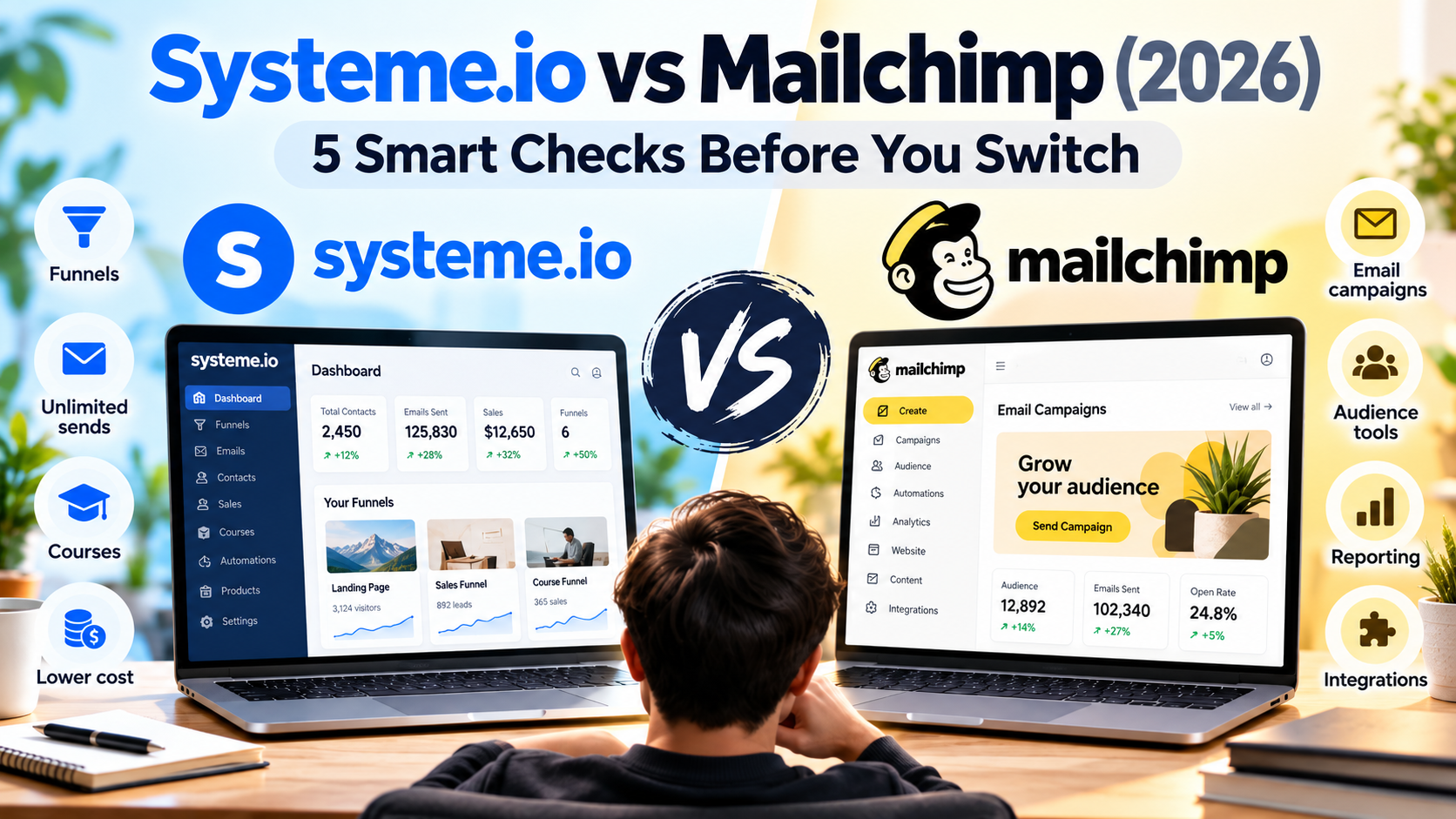
Systeme.io vs Mailchimp is often a switching question: your current email bill is rising, and an all-in-one alternative looks attractive. Before moving, identify what the new platform must preserve. A cheaper subscription is not a saving if the migration breaks the customer journey that already works.
Quick takeaway: Systeme.io is worth considering when you need funnels, email and selling tools in one platform. Mailchimp may still make sense when your existing campaigns, integrations and reporting already fit your workflow.
This Systeme.io vs Mailchimp comparison focuses on the practical differences that matter most before you switch platforms.
Affiliate disclosure: Growth Stack Lab may earn a commission if you sign up or buy through a marked affiliate link, at no additional cost to you. Recommendations depend on the fit for your business.
Table of Contents
1. Systeme.io vs Mailchimp: audit the audience you pay for
Mailchimp’s official pricing guide says subscribed, unsubscribed and non-subscribed contacts count toward its contact total. Archived, cleaned and deleted contacts do not. Therefore, the number of people receiving your newsletter may differ from the number relevant to your plan.
Record those categories separately before comparing quotes. Do not delete useful customer information just to reduce a number. Decide what information you still need, preserve appropriate records, and confirm the effect of any archive or deletion action before applying it.
This audit may show that the first useful improvement is better audience management rather than a platform change. It can also reveal whether you are comparing the same population across providers. A quote for active subscribers is not automatically comparable with a quote for all stored contacts.
Affiliate link. Opens in a new tab.
2. Check free-plan send limits against your schedule
In a Systeme.io vs Mailchimp comparison, the free-plan difference becomes especially clear when you look at both contact limits and monthly sending limits.
As checked September 24, 2026, Mailchimp’s Free plan lists 250 contacts, 500 sends per month and a 250-send daily limit. Systeme.io’s Free plan lists 2,000 contacts and unlimited sends. Those are published limits, not a promise of inbox placement.
For a hypothetical 200-person newsletter, four issues use 800 sends before any welcome messages. That schedule exceeds a 500-send monthly allowance even though the list fits below a 250-contact ceiling. This is a simple workload example, not an estimate of your audience.
On paid plans, compare the actual contact tier and required sending allowance, including any promotional rate’s renewal terms. We do not use a single Mailchimp starting price as the cost for every business. The right quote depends on the account size and features you need.
3. Identify what Mailchimp currently does for you
The hardest part of a Systeme.io vs Mailchimp switch is often not email itself, but the integrations and workflows built around it.
List every form, integration, campaign and report you rely on. Include the quiet processes that are easy to forget: tagging a new buyer, excluding an existing customer from a promotion, or passing a signup to another system.
| Existing component | Migration question |
|---|---|
| Signup form | Which page contains it, and where should the new signup go? |
| Welcome sequence | How do you avoid restarting it for existing subscribers? |
| Customer segment | Which fields or purchase events determine membership? |
| Store integration | Will the same events and product data be available? |
| Campaign reporting | Which historical reports should you export or retain? |
A platform that replaces your email editor does not automatically replace all of these connections. Ask whether each connection is native, needs another service or would become manual work. Mark an item as confirmed only after inspecting the relevant documentation or testing it.
Our Systeme.io email-marketing review covers the setup work we have documented. If your requirement extends into selling, read the funnel-builder review as well. Neither article establishes parity with every Mailchimp integration.
4. Build a migration map before importing
A Systeme.io vs Mailchimp migration should start with contact status, consent and field mapping rather than a bulk CSV upload.
Systeme.io’s contact-import guidance recommends reviewing exported data such as status and tags. It specifically says unsubscribed contacts can be imported with an Unsubscribed status. An export is not permission to turn every address into a subscriber.
Create a field map showing the original field, destination field and intended use. Preserve the records that explain how a person joined and what they agreed to receive. Separate contacts who may receive marketing from those who must remain excluded.
Before moving the real list, use a small set of test records representing common cases: a new subscriber, an existing buyer and an unsubscribed contact. Confirm tags, status and automation entry. A correct contact count is not sufficient if the records enter the wrong campaign.
Keep a dated backup and a rollback plan. Decide which system will receive new signups during the changeover and when the old automations will stop. Avoid leaving both systems sending the same welcome sequence.
5. Set a clear stay-or-switch decision
Write three acceptance conditions before the trial. For example: the new signup route works, the essential customer segment is accurate, and unsubscribed test records receive no marketing. Add a requirement for any business-critical integration.
Then compare the ongoing cost with the work required to move. If every essential condition passes and the new setup reduces costs or maintenance, migration becomes easier to justify. If a critical connection remains uncertain, keeping the current platform while testing further is a reasonable decision.
Measure useful outcomes after a controlled change: successful signups, completed purchases where you can verify them, support problems and time spent maintaining the system. A change in open rate alone does not establish better business performance.
Frequently asked questions
Can I move my whole list in one step?
A file import may move contact records, but that is only part of a migration. Forms, templates, automation timing, integration settings and historical reports need their own checks. Use a small test before the full transfer.
Should every Mailchimp user switch to Systeme.io?
No. A working email operation with important integrations may be worth keeping. Systeme.io becomes more relevant when you also need selling infrastructure or want to simplify a fragmented setup.
Does this comparison include a live Mailchimp migration?
No. It combines official documentation with a proposed migration checklist. We have not moved a production Mailchimp audience or measured a before-and-after conversion result for this article.
Our verdict
The right Systeme.io vs Mailchimp choice depends less on headline pricing and more on the workflow you need to preserve.
Start with the audience audit and integration list. If email remains the only missing piece, compare the appropriate Mailchimp plan before rebuilding your stack. If the project includes funnels and product delivery, test Systeme.io against your acceptance conditions. For another email-oriented option, see our MailerLite comparison.
Affiliate link. Opens in a new tab.
Review note: Official sources checked September 24, 2026. Plan rules can change. This article does not claim that moving platforms will increase sales, improve deliverability or automatically lower your total costs.